View Communication Panel
The View Communication panel is used to review or print the template of a letter or the content of an Email message sent to a prospect. Using this panel, personnel can review the information that was sent to a prospect so they can follow up as needed.
Note - The name of this panel varies based on the method of communication. For example, if an Email message was sent to the prospect, this panel displays as the View Email panel.

|
The View Communication panel can be accessed using one of the following methods:
|
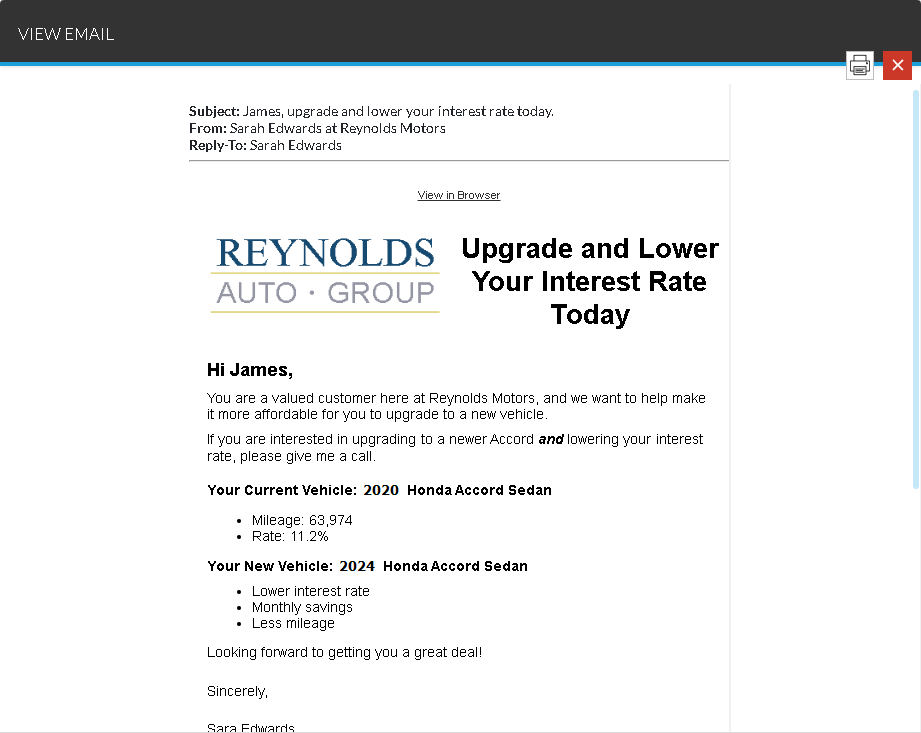
To print the displayed communication, click the  (Print) icon. A printable version of the communication displays on a separate browser tab, where it can be reviewed and printed.
Click here for a list of products that may be mentioned in this help file.